Subscribe to RSS feed
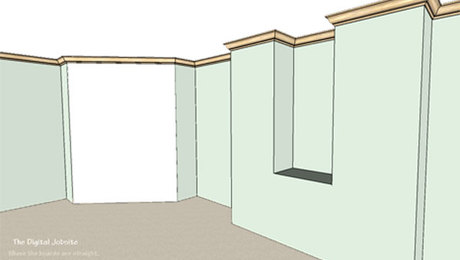
Quick and Slick: Install Crown Molding the SketchUp Way
Forget all the "cut upside-down and backwards" stuff you've learned about installing crown molding. On The Digital Job Site with SketchUp and the "Follow Me" tool even a novice can get perfect 3D installation every time!
view details
Smart-Phone Apps for Builders: Open Buildings
OpenBuildings has the potential to revolutionize how builders document and promote their architectural contributions to society. But it has a long way to go.
view details
Hip to be Square: Pythagoras in the Digital Age
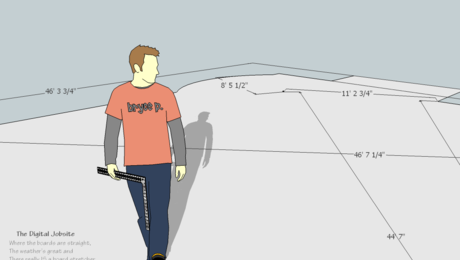
Considering all the whiz-bang capabilities SketchUp has to offer, it's easy to overlook how helpful it can be for basic tasks. This episode shows how to calculate accurate (extremely precise, actually) square-up dimensions for any type of layout work with the "Cliculator".
view details
Steps in the Right Direction: Use SketchUp's Tools for Stairbuilding Plans
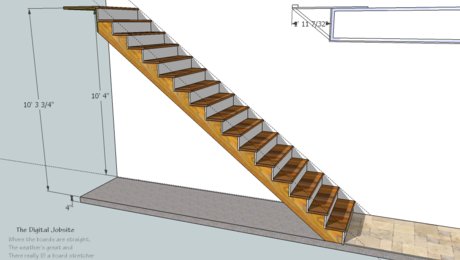
The staircase model created in the Stairmathter blog post gets filled in with more details and components to calculate meaningful dimensions for code compliance and finish features
view details
Smart Phone Apps for Builders: (Microsoft | Bing) Maps
On the iPhone, Microsoft's Bing Maps fails to stack up to Google Maps, with the exception of one feature.
view details
Stairmathter: Use SketchUp to Master the Math for Stairbuilding
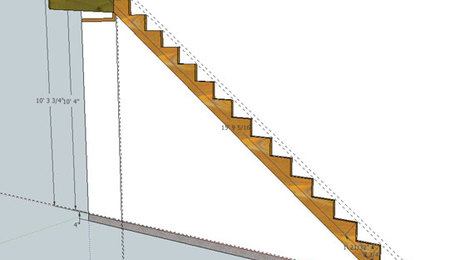
13 commentsCreate a digital layout using jobsite dimensions and let SketchUp do the math to calculate cutting dimensions and angles for stair stringers accounting for finish floor thicknesses and other pertinent information.
view details
Smart Phone Apps for Builders: Flashlight
2 commentsFlashlight was marginally useful on the pre LED-flash iPhone 3Gs models, but it have quickly becoming obsolete.
view details
Digitile: Use a SketchUp Model to Layout, Estimate, and Build a Takeoff List for a Tiling-Job
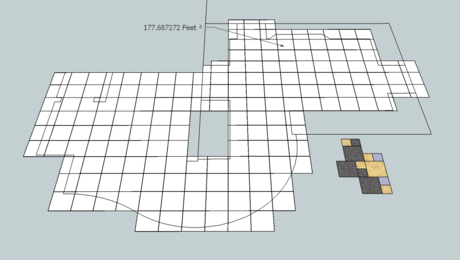
4 commentsNo, digitile is not a typo for digital, its just my (lame?) title for using digital tools to layout, plan, and quantity of materials for a recent floor tile project. Here I give a brief overview of the process I used... see what you think.
view details
Smart Phone Apps for Builders: Maps
It’s simple and austere, representative characteristics of both Apple’s and Google’s success. Maps, or some comparable competitor, will soon be ubiquitous among modern builders.
view details
Fencing Lessons... Designing a Picket Fence with SketchUp
Thinking of building a new fence once the ground thaws? Get a head start on the project by working out the design with a SketchUp model by using some of the drawing methods from this 3-part video tutorial.
view details
-
How to Paint Fiber-Cement Siding
Painter Jim Lacey shares some tips for caulking and painting fiber-cement siding. read more
The Digital Job Site
Get the inside scoop on how builders, remodelers, and architects use the free 3-D modeling software Google SketchUp to design projects and present them to clients.
You'll find practical advice on how to use this powerful drawing tool, and get some insight into how some experienced builders and designers have workied it into their set of everyday tools. If you are new to SketchUp, you might want to get warmed up with a few of Google's free tutorials.
All How-To Topics